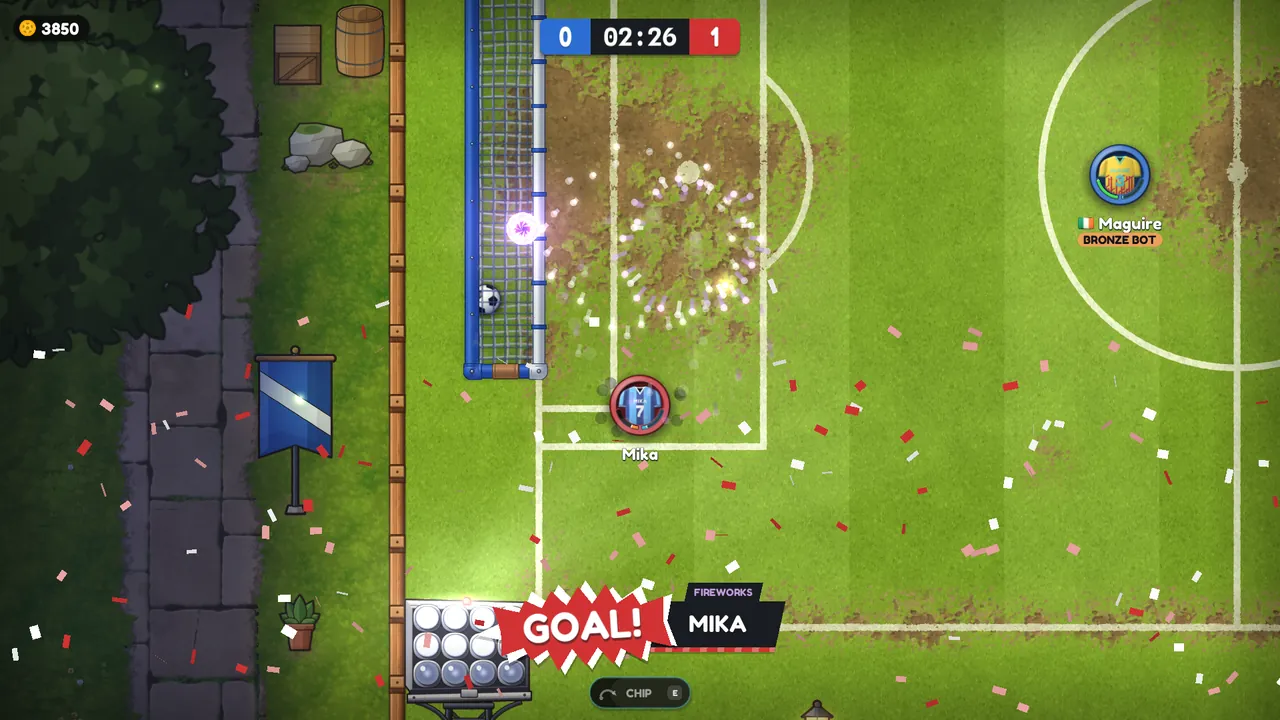
Replays, and getting back into your match
Every match is now recorded, so you can watch it again from the results screen or the new Replays screen. And if your game crashes mid-match, your place is kept so you can jump straight back in.
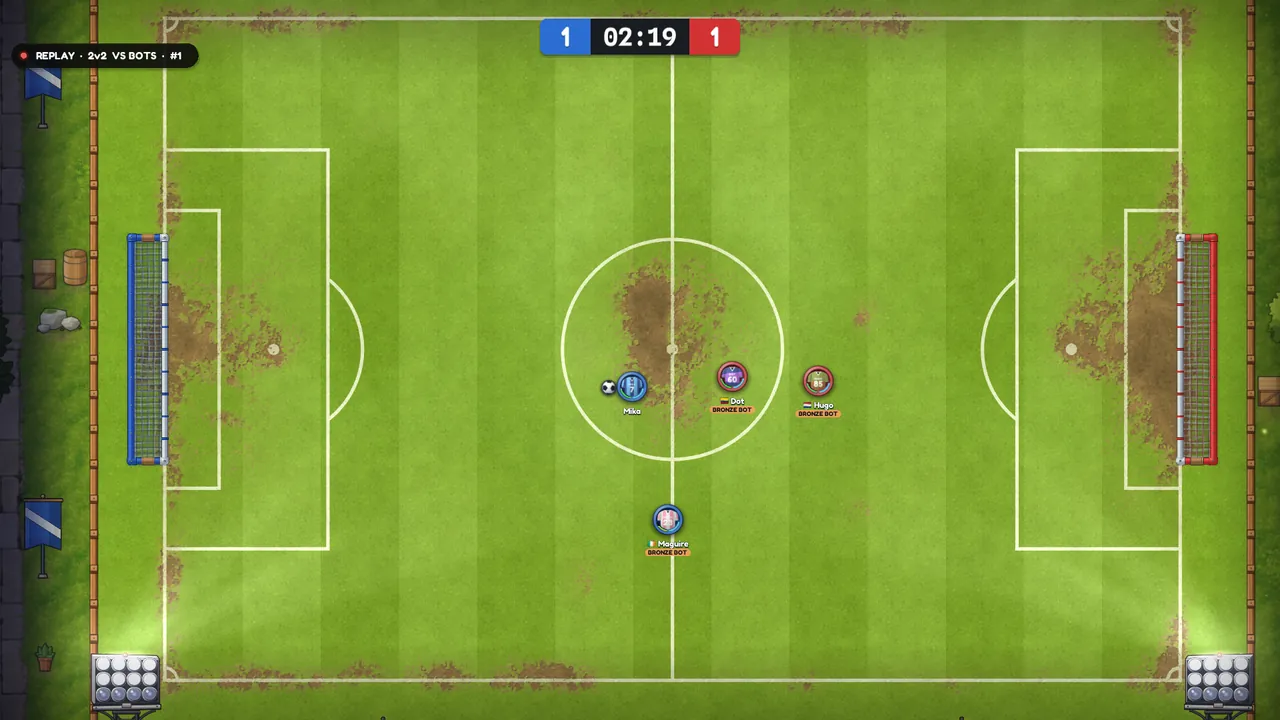
You can now watch every match again, and a crash no longer costs you the match. 0.1.27 (3 October) brought rejoining, which keeps your place if your game crashes or your connection drops, and 0.1.28 (4 October) brought replays. 0.1.29 and 0.1.30 came the same evening with fixes.
Replays
Every match is recorded
Quick Play matches (ranked or casual), games against bots and cup matches are all recorded, from kick-off to the final whistle. Challenges aren't, and neither are matches that end within 20 seconds. Since 0.1.31, matches on the town's pitches are recorded too.
There are two ways to watch:
- Press Watch replay on the results screen, straight after the match.
- Open Replays on the play menu. It lists your matches from the last 14 days, the server's most recent matches, and the replays you've saved.
Watching
You can drag along the timeline (the goals are marked on it), or use the keys:
| Key | What it does |
|---|---|
| Space | Pause and play |
| ← → | Skip back or forward 5 seconds |
| ↓ ↑ | Slower or faster: 0.25x, 0.5x, 1x, 2x or 4x |
| PgUp PgDn | The previous or next goal, with its build-up |
| Home | Back to kick-off |
| C | Camera: follow the ball, or any player |
| Esc | Leave the replay |
Saving and sharing
- Pressing Save keeps a replay on your PC for good, and the server keeps its own copy for 14 days.
- Every replay has a number. Type it on the Replays screen to watch someone else's match.
- Replays are small: about 35 KB for a whole 1v1, under 200 KB for a 4v4.
- What people type in the chat is not recorded.
Getting back into your match after a crash
If your game crashes, your connection drops or the window closes in the middle of a match, your place is kept for 150 seconds.
- If you lost your connection, the game reconnects and puts you straight back on the pitch.
- If the game crashed, start it again and press Play. The menu shows YOUR MATCH IS STILL ON with Rejoin and Abandon buttons.
- If you're back in time it's as if you never left: no loss, no Elo lost and your goals are still yours.
- If you're too late or you press Abandon, it counts as a loss, like leaving always has. Leave Match in the pause menu is still final.
If your whole side drops out, the match waits for you: the clock stops and the ball stays on the spot, so nobody scores into an empty net while you reconnect. If the last place on a side runs out, that side loses 3-0.
While your place is kept, you can't start anything else until you rejoin or abandon. Games against bots and challenges don't keep a place, but leaving those costs nothing anyway.
Fixes
- 0.1.29: replays play smoothly on screens faster than 60 Hz.
- 0.1.30: if a new version comes out while your game is open, the game now says "restart the game to update it" and gives you a Restart button. The launcher installs the update as the game starts again. Also fixed: on the Replays list, the row could catch a click meant for its Watch or Save button.