
Steering: mouse or keys
- Mouse Default
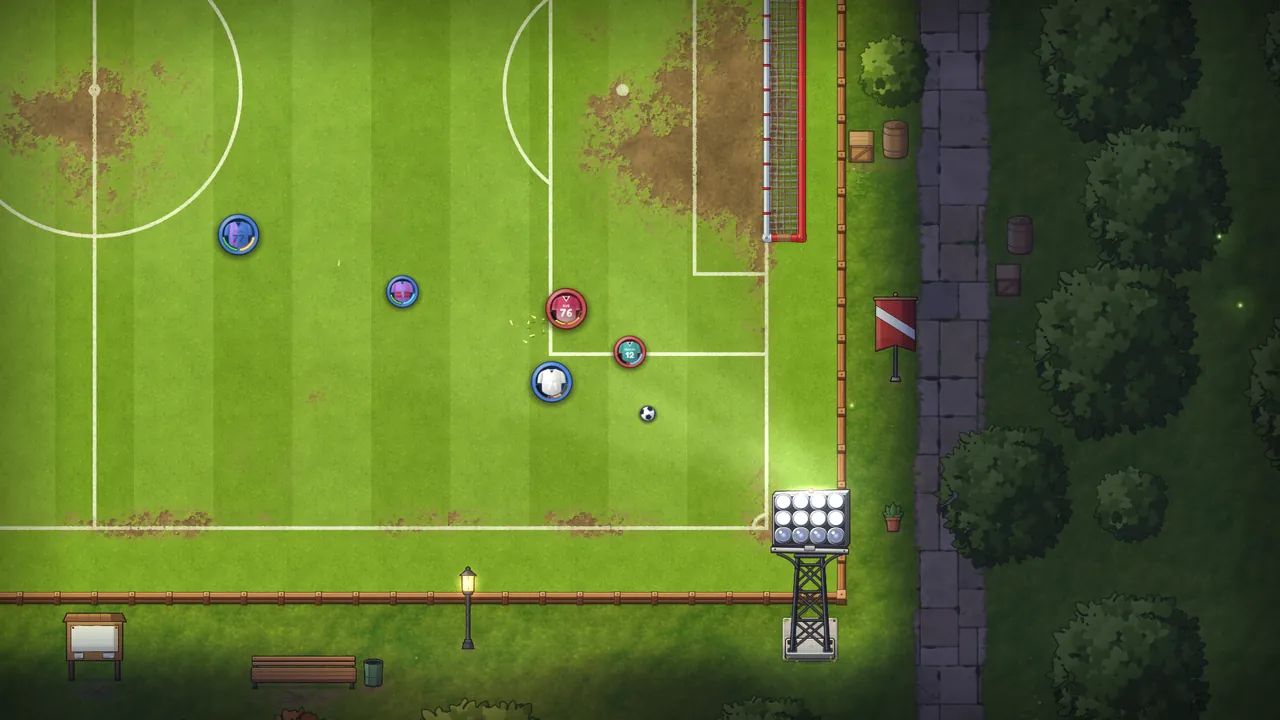
- Your player runs towards the pointer. Rest the pointer on your player to stand still; just off its edge you move slowly.
- Keys
- W A S D or the arrow keys.
Press M to switch. The game remembers your choice.
How to play
Everything you need for your first matches: getting in, the controls, how a match runs, your class's ability, ranked play, the challenges that unlock the other classes, and gold. Then twelve tips based on how the game works.
01 · Getting started
Karoball is free and runs on Windows 10 and 11. You need a keyboard, a mouse and an internet connection: every mode, bots and challenges included, is played on the server.
Get Karoball from the download page, unzip it anywhere and run Karoball.exe. The first start fetches the game (about 28 MB). After that the launcher keeps it up to date by itself.
Windows warned you about it? Here's why, and what to do.
Press Play, then Register. Pick a username (up to 29 characters, and not one that's taken) and a password of at least 3 characters, then log in with them. No email needed.
There's no password reset, so choose one you'll remember and don't use anywhere else.
The first time you have a player of your own, the game asks: One Button or Two Buttons. If you're not sure, keep One Button. You can change it later.
On the play menu, open Quick Play, pick Ranked, Casual or VS Bots, choose your team sizes from 1v1 to 5v5 (as many as you like, or one against bots) and press the big blue button.
Everyone starts as the Standard. The other six classes are won in the challenges.

02 · Controls
By default you steer with the mouse and shoot with a left click, and everything has a key as well. There's no controller support, and the keys can't be changed in the game.
| Action | Keys | Mouse |
|---|---|---|
| Move | W A S D or the arrow keys | Point where you want to go |
| Shoot | X or Space | Left click |
| Sprint | C or Q | Right click |
| Ability, and your goal celebration | E or F | Middle button or side button 4 |
| Quick chat | 1 to 4 for a group, then 1 to 4 for a line | – |
| Chat | Enter | – |
| Switch mouse or keyboard steering | M | – |
| Your profile | Tab in town or a match | – |
| Zoom | Numpad + and − | Wheel |
| Pause menu | Esc | – |
| Screenshot | F9 or F12 | – |
| Fullscreen | F11 | – |
Screenshots go to the Screenshots folder; the Screenshots button on the main menu opens it.
Press M to switch. The game remembers your choice.
Switch from the pause menu or in Settings › Controls, which also has Inverted Mouse Controls to swap left and right click.
03 · Your first match
Quick Play puts your teams on a pitch of their own. Every match follows the same shape, from the countdown to the results screen.
Once both teams are on the pitch, a countdown runs: 6.5 seconds in 1v1, up to 12.5 in 5v5.
The ball sits on the centre spot. Abilities rest for the first 3 seconds.
The clock stops for a short pause. Then the side that scored is kept out of the centre circle until the ball is played.
When the clock runs out, the score stands. There's no extra time in Quick Play, so a draw stays a draw.
Victory, defeat or draw, your gold and goals, any new kit, your Elo if it was ranked, and Watch replay.
| Team size | 1v1 | 2v2 | 3v3 | 4v4 | 5v5 |
|---|---|---|---|---|---|
| Match | 3 min | 4 min | 5 min | 6 min | 7 min |
| Countdown | 6.5 s | 8 s | 9.5 s | 11 s | 12.5 s |
| Goal pause | 5.5 s | 6 s | 6.5 s | 7 s | 7.5 s |

A real match pays 25 gold for a win, 12 for a draw and 6 for a loss, and drops a random piece of kit on every 20th win and every 50th match.
A game against bots pays 10, 5 or 2 gold, if you touched the ball at least three times.
Matches are recorded and kept for 14 days. Watch replay plays this one again; the Replays screen has the rest.
Leaving after kick-off counts as a loss, and costs Elo in ranked. Leaving a game against bots costs nothing.
If someone doesn't arrive within 45 seconds, the match is called off. Nobody is penalised, and everyone else keeps their place in the queue.
Your place is kept for 150 seconds. A dropped connection reconnects by itself. After a crash, start the game and press Play: the menu shows Your match is still on, with Rejoin and Abandon.
If you're back in time you lose nothing, no defeat and no Elo, and your goals still count. If your whole side is away, the match waits with the clock stopped. Bot games and challenges don't keep a place.
04 · Abilities
Every class has its own ability on a cooldown, and they all use the same button: E or F, the middle mouse button, or side button 4.

| Class | Ability | In the game's words | Cooldown |
|---|---|---|---|
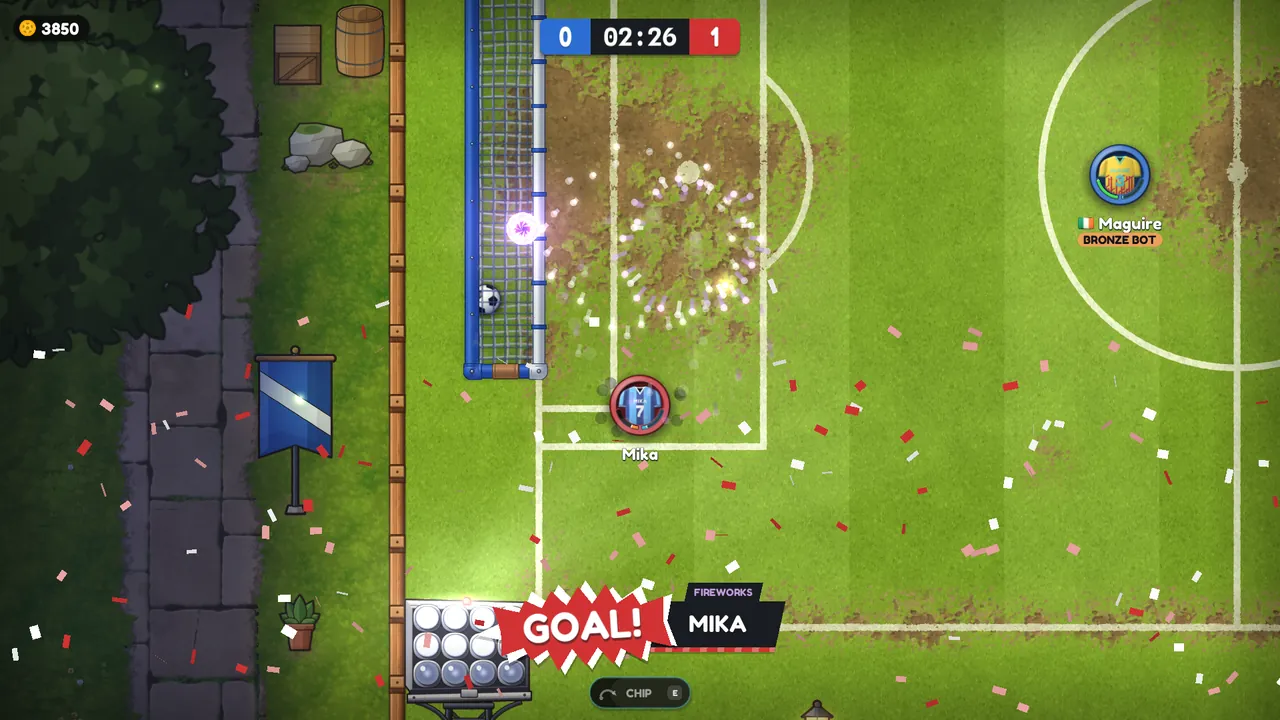
| Standard | Chip | Lift the ball over the next man. It can't score from the air. | 9 s |
| Dribbler | Hook Turn | Snap the ball onto a new line in one touch. | 8 s |
| Gorilla | Ground Pound | Slam the ground: the ball in the ring flies away from you. | 12 s |
| Meteor | Comet | Ignite, then one blazing straight run. | 12 s |
| Lakaka | Ice Trail | Leave frost behind you: opponents on it slow down and can't turn. | 13 s |
| Disruptor | Juggernaut | Nobody can move you: bulldoze through anyone in your way. Tap again to stop. | 7.2–12 s |
| Phantom | Flash Step | Blink a short step in any direction. | 13 s |
05 · Ranked
The Quick Play popup has three kinds of game. Only ranked moves your Elo. Tick as many team sizes as you like: one search covers them all.

People only: bots never fill a ranked game. You're matched with players within 200 Elo of you, a window that widens by 15 every second you wait and is fully open after a minute. Teams are split so their Elo adds up as evenly as possible.
Players are matched in the order they searched. If nobody else is searching your team sizes after 20 seconds, bots fill the empty places. Switch off Let bots fill empty places if you'd rather wait.
Starts at once, 1v1 to 5v5. No Elo and no stats, a little gold, and you can leave any time. You pick the bots' rank: Bronze is open to everyone, and winning a game against one rank unlocks the next.
Win a ranked match and your Elo goes up; lose and it goes down, by more when the other side was the stronger one. Two evenly matched teams win or lose 20 points, and a draw between them changes nothing.
Elo also moves on six of the nine pitches in town, the rated ones with fresh white lines. The three with worn, greener lines are casual. Tournament matches never change it.
Everyone who has finished a match, ranked by Elo. The play menu shows the top ten; View all shows the top 50, with your own line always there.
It's on your profile and the results screen, and in the play menu chat your name shows in its colour. Open your profile from your name on the play menu, or with Tab in town.
06 · Challenges
New accounts start with the Standard. Each other class is yours for good once you earn the first star on level 1 of its challenge. Open them from the Challenges card on the play menu, in any order.
| Challenge | What you do | Level 1 stars | Unlocks |
|---|---|---|---|
| Goal Cannon | Keep goal against the cannon: twelve shots, each one faster and wider than the last. | 7 / 9 / 11 saves | Gorilla |
| Cone Slalom | Dribble through the gates of cones in order, then into the goal, against the clock. | 65 / 38 / 27 s | Dribbler |
| Sharpshooter | Score past the moving keeper from behind the line, as many as you can in a minute. | 5 / 8 / 11 goals | Meteor |
| Pass Master | Pass the ball into the moving rings from behind the line, as many as you can in a minute. | 5 / 10 / 16 hits | Lakaka |
| Bot Duel | Beat a bot one on one in a two-minute match. Win by more for more stars. | win / by 2 / by 3 | Disruptor |
| Cross & Finish | Your teammate crosses from the wing: get on the end of it and score past a defender and the keeper. Ten crosses. | 3 / 5 / 7 goals | Phantom |
Level 1 targets for one, two and three stars. In the Cone Slalom, lower times are better.
Every challenge has five levels with three stars each, 90 stars in all. A star on a level opens the next, and every level is clearly harder than the one before.
| Level | 1st star | 2nd star | 3rd star | Points |
|---|---|---|---|---|
| 1 | 20 | 40 | 60 | ×1 |
| 2 | 30 | 60 | 90 | ×1.5 |
| 3 | 40 | 80 | 120 + kit | ×2 |
| 4 | 50 | 100 | 150 | ×2.5 |
| 5 | 60 | 120 | 180 + kit | ×3 |
Gold for each star, paid once, the first time you earn it. The kit on level 3 is Uncommon or better, on level 5 Rare or better. Challenge gold and kit can't be traded.


07 · Gold
Gold is Karoball's only money, and it can't be bought. You earn it by playing and spend it on kit: shirts, patterns, numbers and goal celebrations, each in five rarities.
Walking out of a match pays nothing. Gold from bots and challenges can't be traded. Real matches also drop kit: a random piece every 20th win and every 50th match.
In town. Eight pieces a day, new at midnight UTC: a featured piece at the back (Rare or better), then a Rare or Epic, a Rare and an Uncommon, with an Uncommon and three Commons at the front. Everyone can buy each piece once, and you can't buy one you already have.
At the trading desk in the market hall. Swap kit and gold with another player, up to 12 pieces a side. You both see the same table, and both accept.
| Rarity | Shop price | Sells for |
|---|---|---|
| Common | 300 | 40 |
| Uncommon | 1,000 | 120 |
| Rare | 5,000 | 600 |
| Epic | 15,000 | 2,000 |
| Legendary | 40,000 | 6,000 |
Shop prices vary by up to 10% either way. Sell in the locker or at the sell stands in the market hall; pieces you're wearing can't be sold. More on kit and the shop.
08 · Tips
They all come from how the game works, and knowing them early saves you a lot of frustrating first matches.
A kick sends the ball away along the line from the middle of your player through the ball. The pointer doesn't aim it, so get round behind the ball before you shoot.
A Standard's sprint lasts under two seconds and takes about 17 seconds to refill from empty, so save it for the runs that count.
In One Button mode, Shoot also sprints, so running at the ball with it held down empties your tank. Press it as you reach the ball.
The power shot comes from sprint being held as you kick, not from stamina. You can hit it just as hard with nothing left in the tube.
The ball can't go out: it bounces off the touchlines and goal lines, and there's never a throw-in to wait for. Play it off the line to get round a player.
With mouse steering, rest the pointer on your own player to stand still; just off its edge you move slowly. Handy when you're keeping goal.
Abilities rest for 3 seconds after every kick-off, goals included. Plan your first touches without one.
It can't score from the air, if it's still in the air at a goalmouth it hits the bar. Use it to lift the ball over players to a teammate or out of danger.
The mouse wheel zooms from 0.65× to 2×. A 5v5 pitch is about two and a half times as wide as a 1v1 one, so zooming out shows you more of the game.
Quick chat is two key presses: 1 1 “I got it!”, 1 2 “Pass it!”, 4 1 “Good game!”. It shows over your player too.
The Lakaka glides: it takes about four times as long as most classes to turn round from a walk, so start turning early. The Disruptor turns quickest of all.
The five drill challenges run without abilities, so they're a fair place to work on shooting, passing, dribbling and keeping, whatever class you play.
Free to play
Karoball is free. Download it for Windows, make an account in the game and you're in a match in a minute.