Chat on the play menu
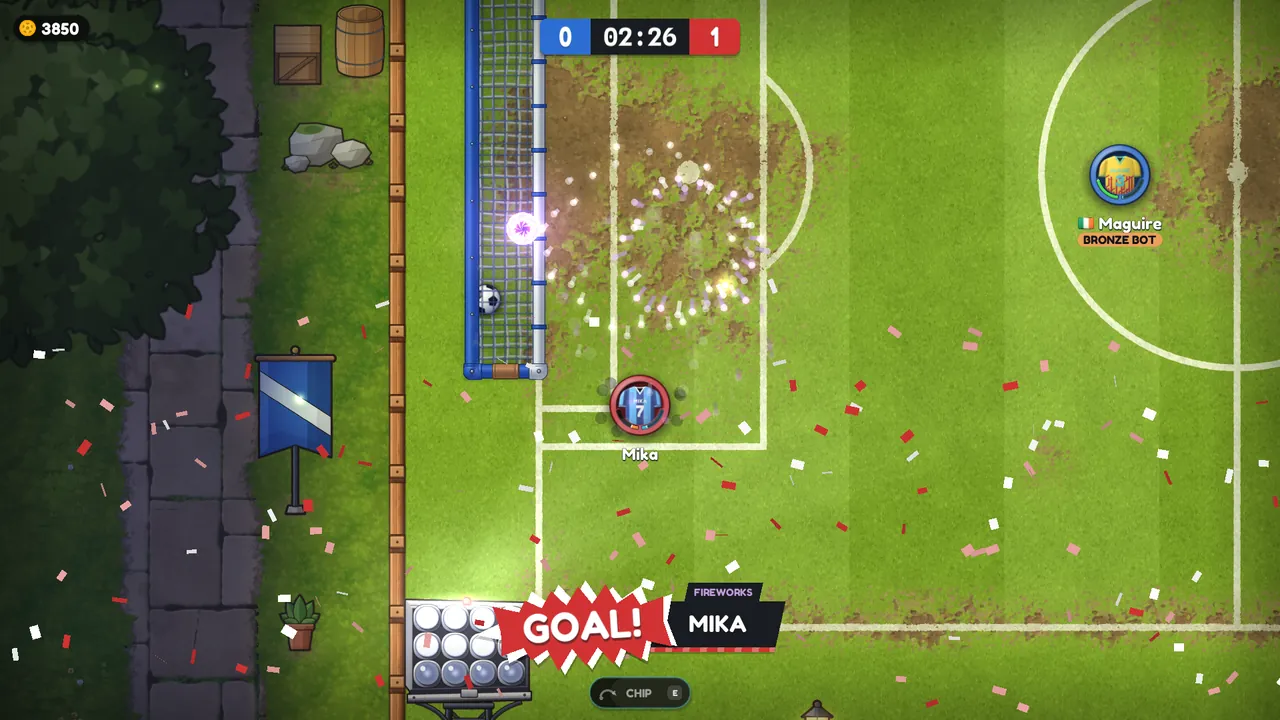
Talk to everyone on the play menu, or just to your party wherever they are. The ball is also calmer and easier to read online, and goal celebrations now show in replays.
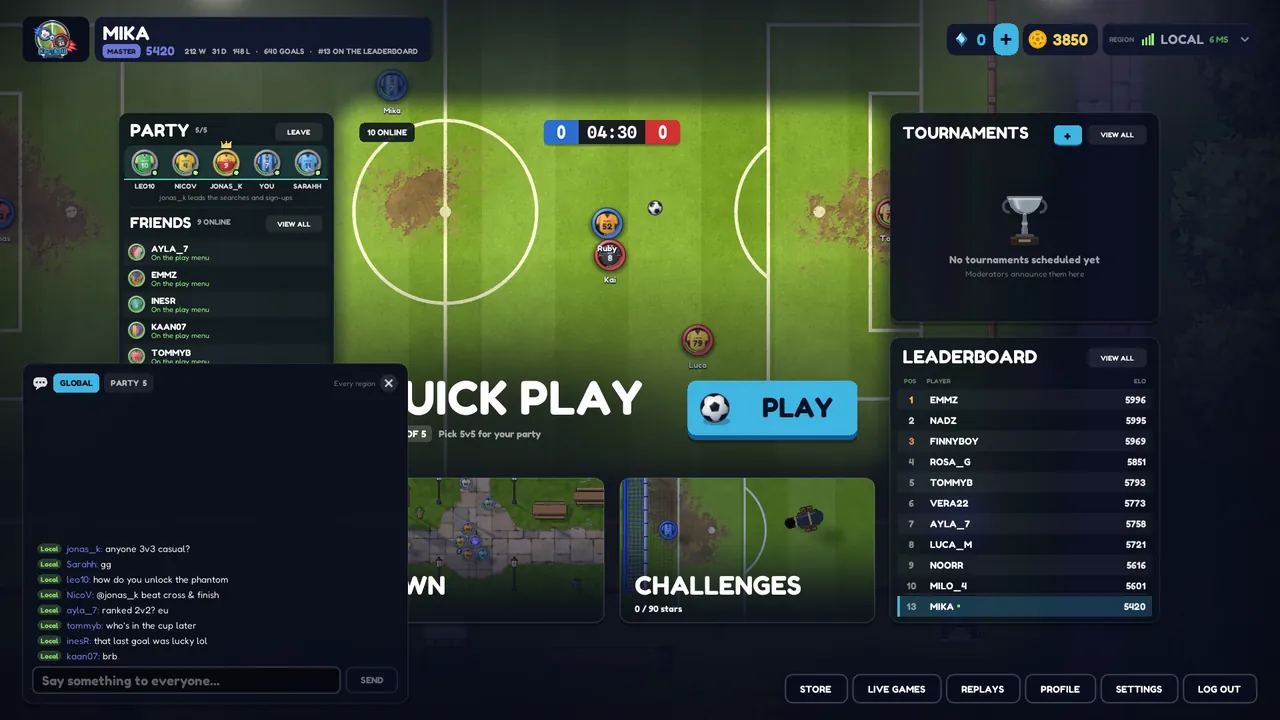
Until now you could only talk to the players in your town or your match. Karoball 0.1.31 puts a chat on the play menu, so you can talk to everyone who's online, and to your party wherever they are. It also makes the ball easier to read when you play online, and goal celebrations now play in replays. 0.1.32 came 25 minutes later with a fix for those celebrations.
You don't need to download anything: the launcher installs the update the next time you start the game.
What's new
Chat on the play menu
There's a chat bar along the bottom of the play menu, next to Replays, Profile and Settings. It shows the newest line and how many you haven't read yet.
- Global is everyone on the play menu. Each line has the player's region in a small pill before their name (only Europe for now), and the name is in the colour of their rank.
- Party is just your party, wherever its members are. Party lines also reach you in town and in matches, marked Party. To answer from there, type
/pbefore your message. - Press Enter on the play menu (or click the bar) to open the chat, Tab to switch between Global and Party, and Esc to close it.
- Click a name to open their profile, where you can add them as a friend or invite them to your party. A line that mentions your name is lit up.
To keep it readable:
- A line can be up to 140 characters.
- You can send four lines in a row, then one every 2.5 seconds.
- The same line twice within 30 seconds is refused.
- Moderators can mute a player.
The version number has moved from the play menu to the Settings card.
A calmer ball online
Online, your screen and the server are always a little apart, so the game has to choose where to draw the ball. This update changes how it does that when other players touch the ball, so that you never see the ball hit by a player who's drawn far away from it.
- A ball flying towards another player slows a touch on your screen as it nears him, so when he touches it, you see the touch where it happens.
- When another player kicks the ball, you see it leave his feet instead of a spot behind him.
- Small corrections to a loose ball are made along its path, so it no longer brakes or surges for a moment when your screen and the server disagree.
Your own dribble and your own shot are as instant as before. If you play from far away and notice anything odd, tell us on Discord.
Celebrations in replays and from the stands
- Goal celebrations now play in replays, and for anyone watching a cup match from the stands.
- 0.1.32: in replays, celebrations aimed at the other side, such as Shush, Raincloud, Salt Sprinkle and Abduction, now find the right players.
Town matches in Replays
Matches on the town's pitches are recorded too now. They're on the Replays screen, marked TOWN. There's no Watch replay button at the end of a town match, so open them from the Replays screen.