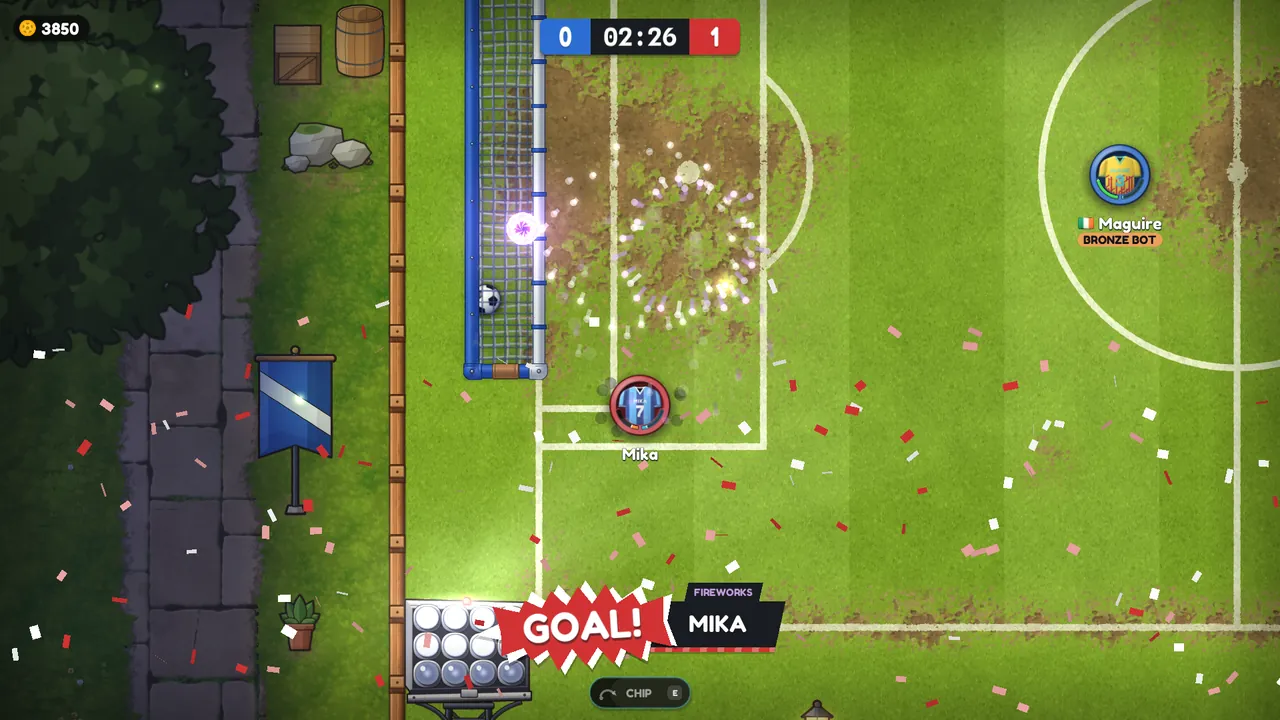
Trading, kit presets and match-night cards
Trade kit and gold with other players at the market hall's desk, keep a home, away and third kit in your lockers, and see every piece on a new match-night card. Plus a new launcher that keeps itself up to date.
0.1.10 came out on 23 September with trading and new rooms, and 0.1.11 followed on 24 September with kit presets, new item cards and a launcher that updates itself.
Trading
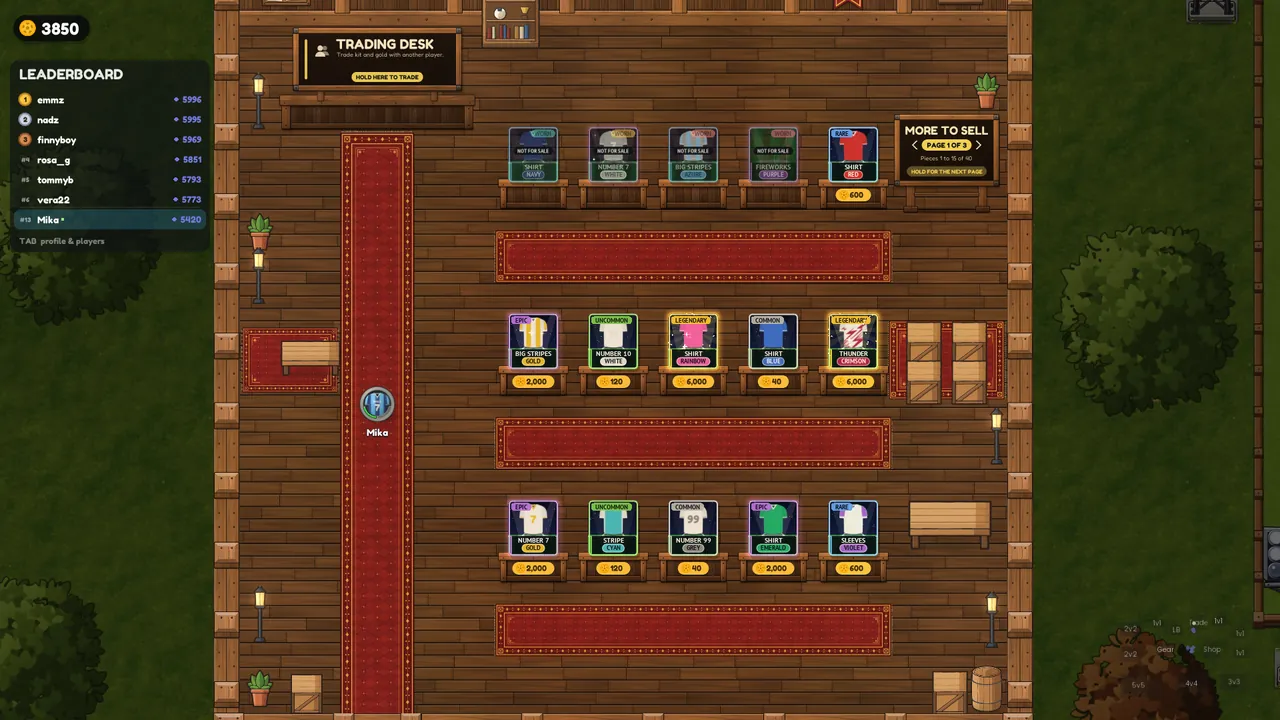
- Stand at the trading desk in the market hall and hold, then pick a player from the list and they have 60 seconds to answer.
- Click pieces in your bag to offer them, up to 12 a side, and add gold if you like. Both players see the same table, updated after every change. Kit you're wearing can't be offered.
- The swap only happens when both players have pressed Accept trade, and then it all goes at once. Any change to either offer takes both acceptances back, so nothing slips in unseen.
- If you cancel, leave town or step onto a pitch the trade is off, and nothing changes hands until the very end.
Note: Gold from bot games, and the gold and kit you win in challenges, can't be traded. Both arrived later, in 0.1.20: see Major update 0.1.24: abilities, bots and challenges.
New rooms, and no bag limit
- The changing room has the seven class cards along the back wall and two rails of kit on hangers, with walkways between them.
- The market hall has the trading desk and rows of sell stands with price tags.
- No bag limit, so your bag holds as many pieces as you like and the rooms show it a page at a time.
Kit presets
- Three lockers in the changing room: HOME, AWAY and THIRD.
- Hold at an empty locker to save what you're wearing, or hold at a full one to put that kit on.
- On the play menu the locker's Presets tab shows the same three, with Wear, Save my kit, Replace with what I wear and Clear. Click a name to rename it.

Match-night cards
Every piece of kit is now shown on a stadium card at night: a starry sky, floodlights, a strip of turf and a scoreboard plate with the piece's name. Each card also has the colour's name on a pill in that colour, and the rarer the piece, the more the card shines:
- Rare and up: floodlight beams sweep across the card.
- Epic and up: a pulsing neon rim and sparkles.
- Legendary: rays, confetti and a glowing halo.

A launcher that updates itself
- The new launcher updates itself as well as the game, and still downloads only what changed.
- If you had the older launcher it showed "This launcher is out of date" with a Download button, once, and after that updates come by themselves.
- If Windows or your antivirus warns about the launcher, see SmartScreen and antivirus warnings.